Why Install Python?
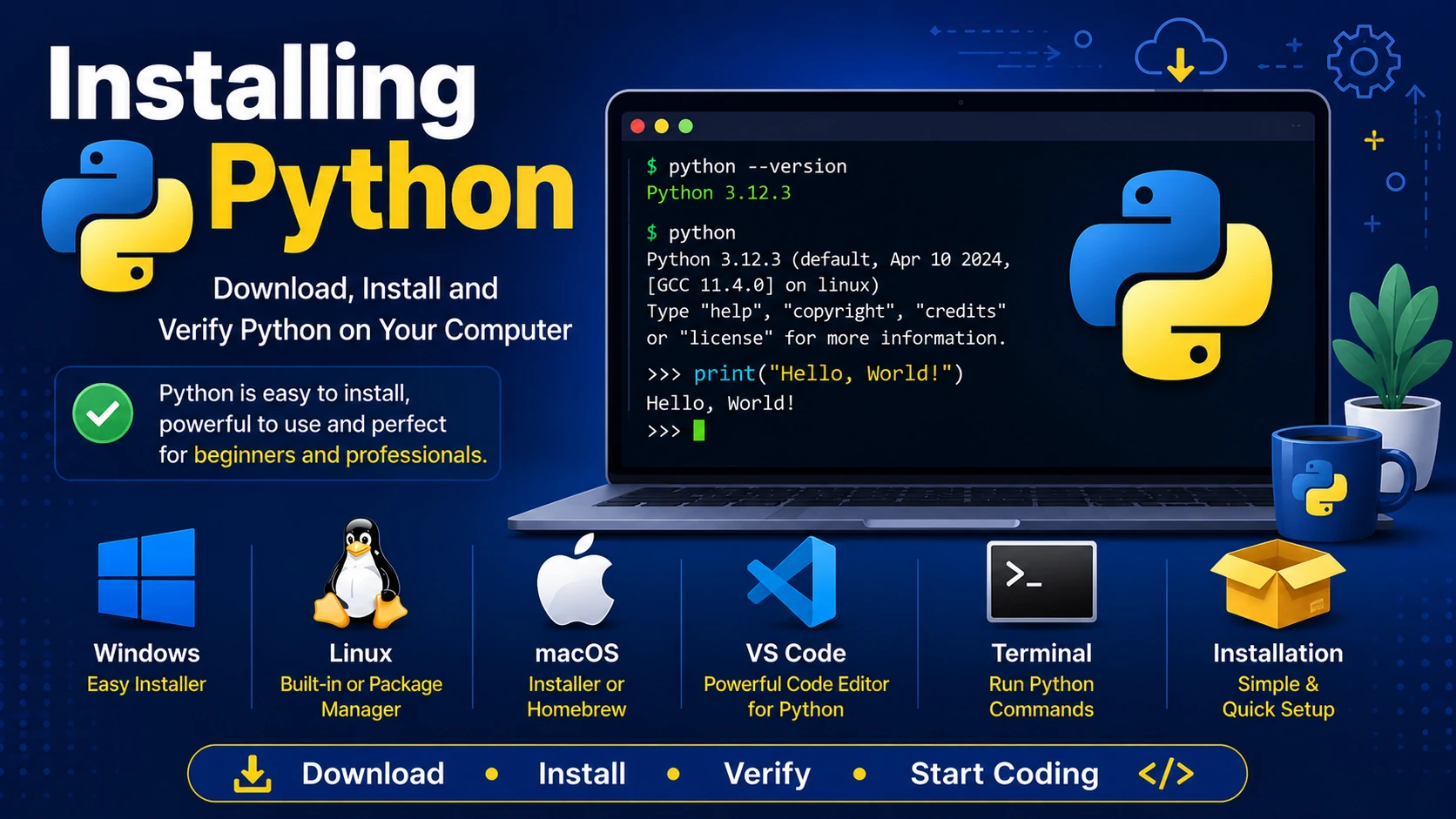
Before writing Python programs, you need to install the Python interpreter. It reads and executes Python code. Once installed, you can create programs, run scripts, build websites, automate repetitive tasks, and develop applications.
Download Python
Download the latest stable version of Python from the official Python website. During installation, choose the version recommended for your operating system.
Installing on Windows
- Download the Windows installer.
- Run the installer.
- Check "Add Python to PATH".
- Click Install Now.
- Wait until installation completes.
Installing on Linux
Many Linux distributions already include Python. To check:
python3 --version
If Python is not installed, use your distribution's package manager. For Ubuntu or Debian:
sudo apt update
sudo apt install python3
Installing on macOS
Download the macOS installer from the Python website and follow the installation wizard. Alternatively, if you use Homebrew:
brew install python
Verify the Installation
Open a terminal or command prompt and type:
python --version
or
python3 --version
You should see the installed Python version displayed.
Using the Python Interpreter
Start the interactive interpreter by typing:
python
or
python3
You can now type Python commands directly.
>>> print("Hello, World!")
Hello, World!
Installing Visual Studio Code
Although Python programs can be written in any text editor, Visual Studio Code (VS Code) is one of the most popular editors. Install the Python extension to enable syntax highlighting, debugging, IntelliSense, and code completion.
Create Your First Python File
print("Welcome to Python!")
Save the file as:
hello.py
Run it from the terminal:
python hello.py
Summary
You have learned how to install Python, verify that it works correctly, use the interactive interpreter, create your first Python file, and run it from the command line. You are now ready to start writing real Python programs.
Examples
The following examples help reinforce the concepts explained in this lesson.
<!DOCTYPE html>
<html>

<head>

<title>My First Page</title>

</head>

<body>

<h1>Hello World</h1>

</body>

</html>
💡 Pro Tip
Practice every concept immediately after reading it. Learning by doing is the fastest way to master HTML.
⚠ Common Mistake
Do not simply copy code examples. Type them yourself and experiment with small changes.
Best Practices
- Write clean and readable HTML.
- Indent your code consistently.
- Use semantic HTML elements.
- Validate your HTML regularly.
- Test your pages in multiple browsers.
Frequently Asked Questions
Why should I learn HTML first?
HTML is the foundation of every website. Once you understand HTML, learning CSS and JavaScript becomes much easier.
Is HTML difficult?
No. HTML is considered one of the easiest web technologies to learn, making it an excellent starting point for beginners.