
Introduction
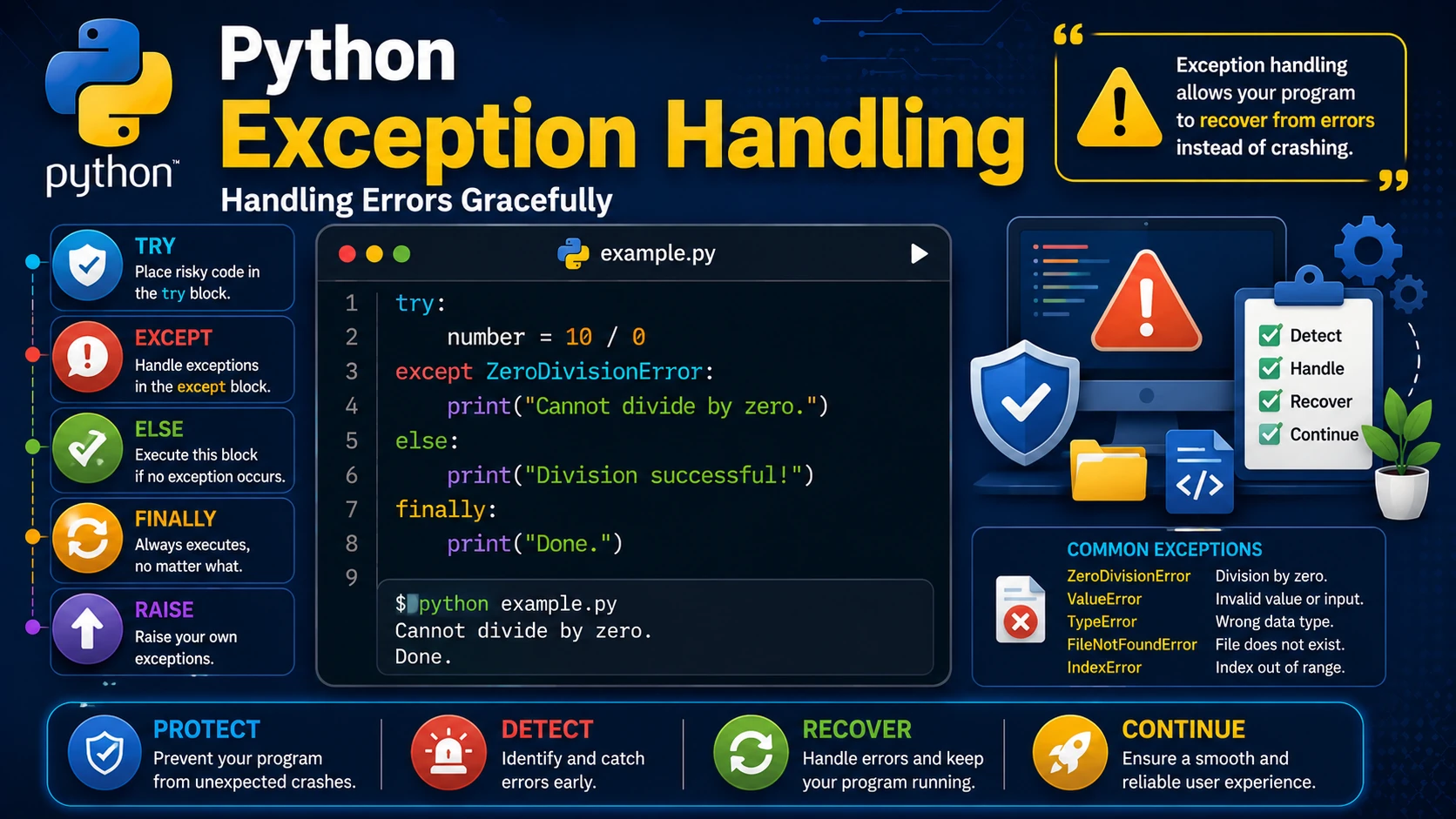
Errors are inevitable in programming. Exception handling allows your program to detect and manage errors without crashing. Python provides powerful keywords such as try, except, else, finally, and raise to help you build robust applications.
Using try and except
The try block contains code that might cause an error. If an exception occurs, the except block handles it.
try:
    number = 10 / 0
except ZeroDivisionError:
    print("You cannot divide by zero.")
Handling Multiple Exceptions
try:
    number = int(input("Enter a number: "))
    result = 100 / number
except ValueError:
    print("Please enter a valid number.")
except ZeroDivisionError:
    print("Division by zero is not allowed.")
Using else
The else block executes only if no exception occurs.
try:
    number = int(input("Enter a number: "))
except ValueError:
    print("Invalid input.")
else:
    print("You entered:", number)
Using finally
The finally block always executes, whether an exception occurs or not.
try:
    file = open("example.txt")
except FileNotFoundError:
    print("File not found.")
finally:
    print("Program finished.")
Raising Exceptions
You can create your own exceptions using the raise keyword.
age = -5

if age < 0:
    raise ValueError("Age cannot be negative.")
Real-World Example
try:
    price = float(input("Enter product price: "))
    quantity = int(input("Enter quantity: "))

    total = price * quantity

except ValueError:
    print("Please enter valid numeric values.")

else:
    print("Total:", total)

finally:
    print("Transaction complete.")
Best Practices
- Catch only the exceptions you expect.
- Avoid using a generic
exceptunless necessary. - Write helpful error messages.
- Use
finallyfor cleanup operations. - Validate user input before processing it.
Summary
Exception handling helps Python programs recover gracefully from errors. By using try, except, else, finally, and raise, you can create applications that are more reliable, secure, and user-friendly.
Examples
The following examples help reinforce the concepts explained in this lesson.
<!DOCTYPE html>
<html>

<head>

<title>My First Page</title>

</head>

<body>

<h1>Hello World</h1>

</body>

</html>
💡 Pro Tip
Practice every concept immediately after reading it. Learning by doing is the fastest way to master HTML.
⚠ Common Mistake
Do not simply copy code examples. Type them yourself and experiment with small changes.
Best Practices
- Write clean and readable HTML.
- Indent your code consistently.
- Use semantic HTML elements.
- Validate your HTML regularly.
- Test your pages in multiple browsers.
Frequently Asked Questions
Why should I learn HTML first?
HTML is the foundation of every website. Once you understand HTML, learning CSS and JavaScript becomes much easier.
Is HTML difficult?
No. HTML is considered one of the easiest web technologies to learn, making it an excellent starting point for beginners.