
Introduction
As Python projects grow, a single module is often not enough to organize all the code. Python packages allow developers to group related modules into folders, making projects easier to maintain and reuse.
What is a Package?
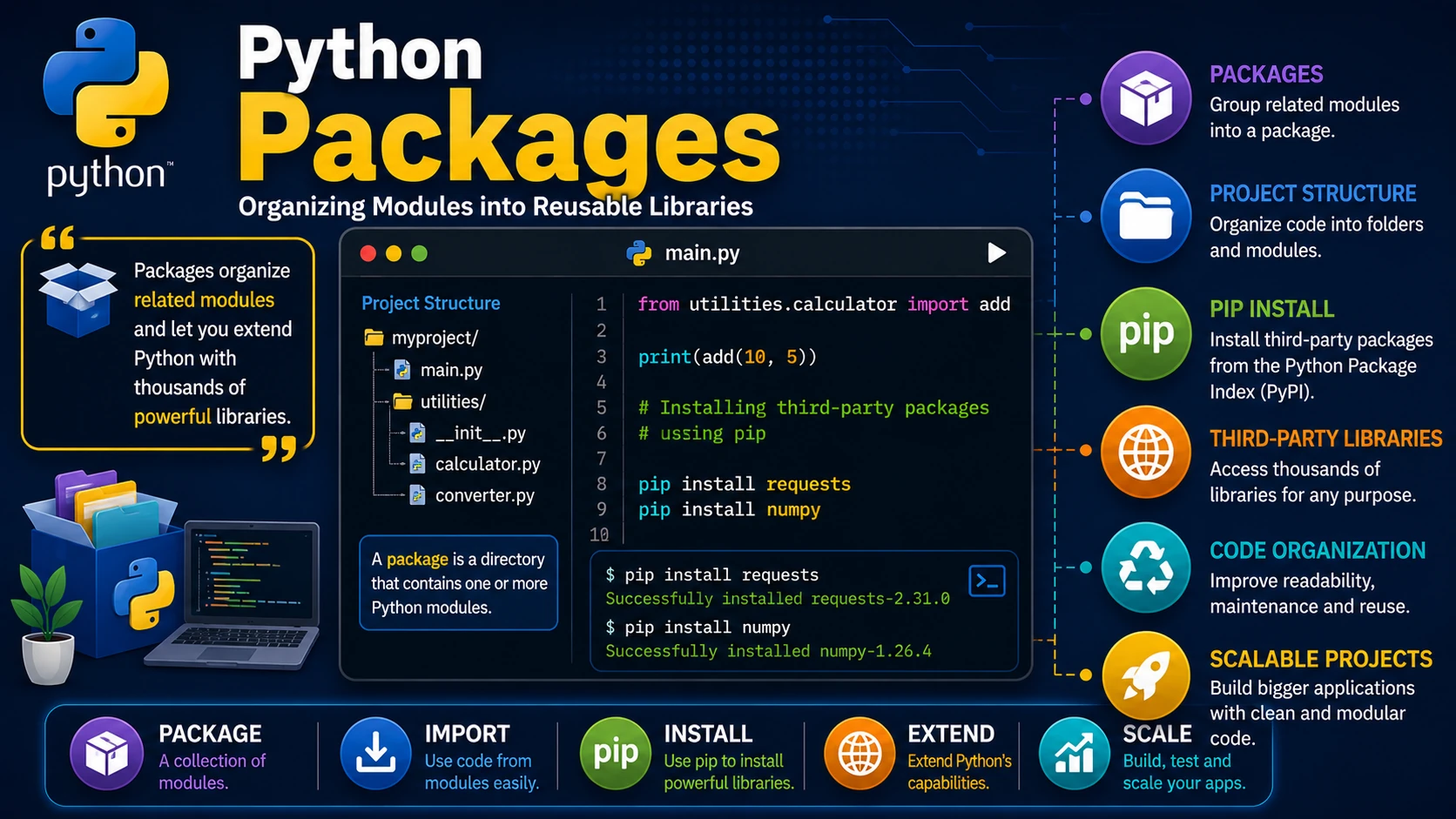
A package is a directory that contains one or more Python modules. Packages help organize related code into logical groups.
myproject/
│
├── main.py
└── utilities/
    ├── __init__.py
    ├── calculator.py
    └── converter.py
The __init__.py File
Traditionally, the __init__.py file marks a folder as a Python package. It can also contain initialization code that runs when the package is imported.
# utilities/__init__.py

print("Utilities package loaded")
Importing from a Package
Modules inside a package can be imported using dot notation.
from utilities.calculator import add

print(add(10, 5))
Installing Third-Party Packages
Python includes a package manager called pip that allows you to install libraries created by other developers.
pip install requests
Upgrade an installed package:
pip install --upgrade requests
Popular Python Packages
- requests — HTTP requests.
- numpy — Numerical computing.
- pandas — Data analysis.
- matplotlib — Charts and graphs.
- flask — Web development.
- django — Full-stack web applications.
Why Use Packages?
- Organize large projects.
- Reuse code efficiently.
- Share code with other developers.
- Access thousands of community libraries.
Best Practices
- Use descriptive package names.
- Keep related modules together.
- Install packages only from trusted sources.
- Keep third-party packages updated.
Real-World Example
A web application may use several packages together:
- Flask for the web server.
- Requests for API communication.
- Pandas for processing data.
- Matplotlib for creating charts.
Summary
Packages make Python projects scalable and organized by grouping related modules together. Using pip, you can also install thousands of third-party libraries that extend Python's capabilities for web development, data science, automation, artificial intelligence, and much more.
Examples
The following examples help reinforce the concepts explained in this lesson.
<!DOCTYPE html>
<html>

<head>

<title>My First Page</title>

</head>

<body>

<h1>Hello World</h1>

</body>

</html>
💡 Pro Tip
Practice every concept immediately after reading it. Learning by doing is the fastest way to master HTML.
⚠ Common Mistake
Do not simply copy code examples. Type them yourself and experiment with small changes.
Best Practices
- Write clean and readable HTML.
- Indent your code consistently.
- Use semantic HTML elements.
- Validate your HTML regularly.
- Test your pages in multiple browsers.
Frequently Asked Questions
Why should I learn HTML first?
HTML is the foundation of every website. Once you understand HTML, learning CSS and JavaScript becomes much easier.
Is HTML difficult?
No. HTML is considered one of the easiest web technologies to learn, making it an excellent starting point for beginners.