
Introduction
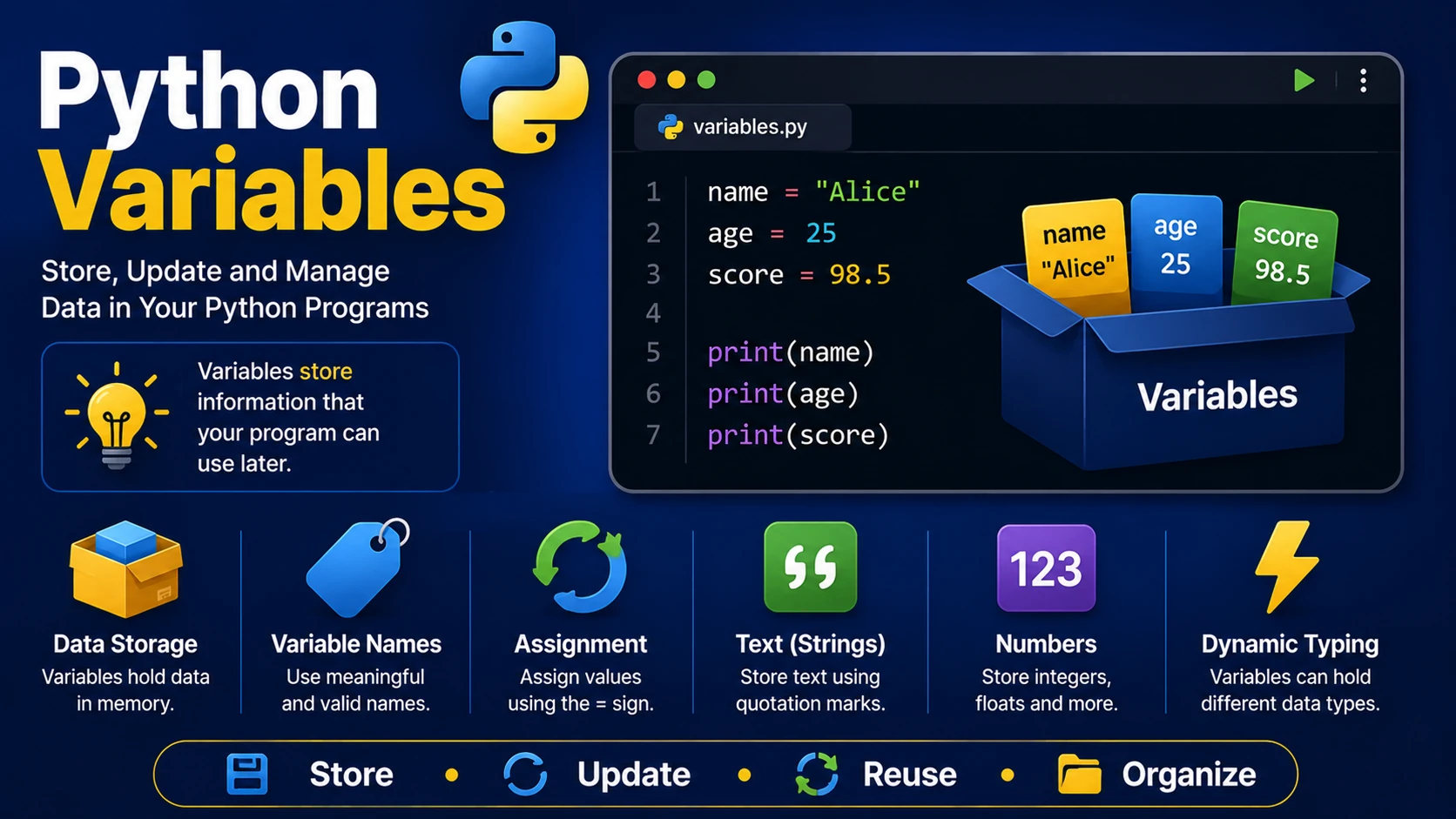
Variables are used to store information that your program can use later. A variable acts like a labeled container that holds a value such as text, numbers, or true/false values.
Creating Variables
In Python, you create a variable simply by assigning a value.
name = "Alice"

age = 25

height = 1.72
Python automatically determines the data type based on the assigned value.
Displaying Variables
name = "Alice"

print(name)

print(age)
Changing Variable Values
Variables can be updated whenever needed.
score = 10

print(score)

score = 25

print(score)
Multiple Assignment
Python allows several variables to be assigned in one statement.
x, y, z = 5, 10, 15

print(x)

print(y)

print(z)
Assign the Same Value
a = b = c = 100

print(a)

print(b)

print(c)
Variable Naming Rules
- Must begin with a letter or underscore (_).
- Cannot begin with a number.
- Can contain letters, numbers and underscores.
- Variable names are case-sensitive.
Examples:
username = "John"

_user = "Admin"

user1 = "Alice"
Invalid names:
1name = "John"

user-name = "John"

class = "Python"
Dynamic Typing
Python is dynamically typed, meaning a variable can hold different types of values during program execution.
x = 10

print(x)

x = "Hello"

print(x)
Best Practices
- Use meaningful variable names.
- Avoid very short names except in simple loops.
- Use lowercase_with_underscores for variable names.
- Choose names that describe the stored value.
Summary
Variables are one of the most important concepts in Python. They allow programs to store information, update values, and perform calculations. Understanding variables is essential before learning data types, operators, and control structures.
Examples
The following examples help reinforce the concepts explained in this lesson.
<!DOCTYPE html>
<html>

<head>

<title>My First Page</title>

</head>

<body>

<h1>Hello World</h1>

</body>

</html>
💡 Pro Tip
Practice every concept immediately after reading it. Learning by doing is the fastest way to master HTML.
⚠ Common Mistake
Do not simply copy code examples. Type them yourself and experiment with small changes.
Best Practices
- Write clean and readable HTML.
- Indent your code consistently.
- Use semantic HTML elements.
- Validate your HTML regularly.
- Test your pages in multiple browsers.
Frequently Asked Questions
Why should I learn HTML first?
HTML is the foundation of every website. Once you understand HTML, learning CSS and JavaScript becomes much easier.
Is HTML difficult?
No. HTML is considered one of the easiest web technologies to learn, making it an excellent starting point for beginners.