
Introduction
Every HTML page follows a standard structure. Understanding this structure is essential because every modern website is built upon it. Browsers expect HTML documents to follow this format so they can correctly display your content.
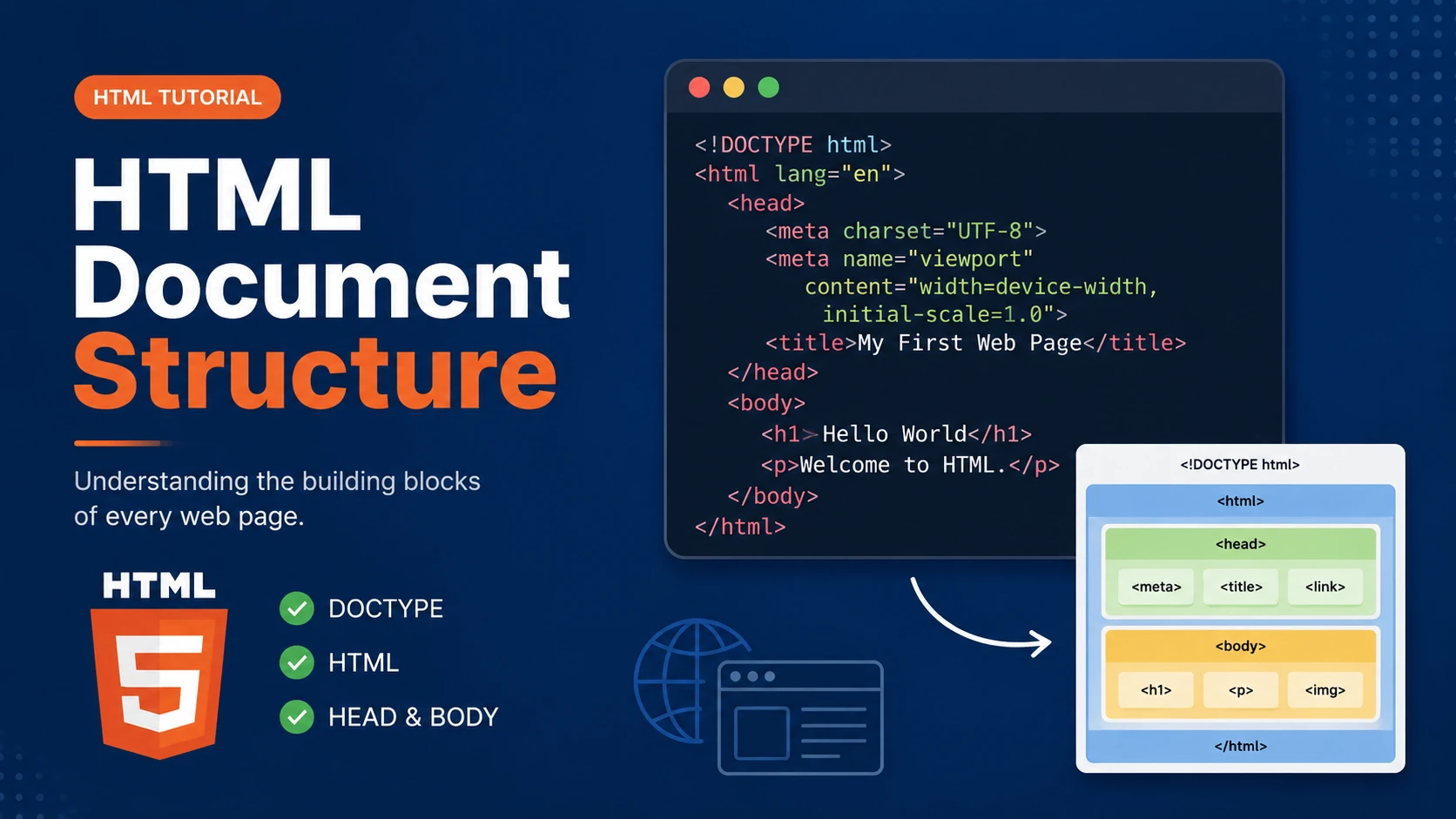
An HTML document is divided into different sections, each with a specific purpose. The document begins with a declaration that tells the browser which version of HTML is being used, followed by the HTML element itself, which contains the head and body sections.
Basic HTML Structure
A minimal HTML5 document looks like this:
<!DOCTYPE html>
<html lang="en">

<head>

    <meta charset="UTF-8">

    <meta name="viewport"
          content="width=device-width, initial-scale=1.0">

    <title>My First Web Page</title>

</head>

<body>

    <h1>Hello World</h1>

    <p>Welcome to HTML.</p>

</body>

</html>
The DOCTYPE Declaration
The <!DOCTYPE html> declaration tells the browser that the page uses the HTML5 standard. It helps browsers render the page correctly and consistently.
The HTML Element
The <html> element is the root of every HTML document. Everything displayed on the page is contained within this element.
The Head Section
The <head> section contains information about the webpage, such as the title, character encoding, viewport settings, stylesheets and metadata. Most of this information is not directly displayed to visitors.
The Body Section
The <body> section contains everything visible to visitors, including headings, paragraphs, images, links, videos, tables and forms.
Examples
The following examples help reinforce the concepts explained in this lesson.
<!DOCTYPE html>
<html>

<head>

<title>My First Page</title>

</head>

<body>

<h1>Hello World</h1>

</body>

</html>
💡 Pro Tip
Practice every concept immediately after reading it. Learning by doing is the fastest way to master HTML.
⚠ Common Mistake
Do not simply copy code examples. Type them yourself and experiment with small changes.
Best Practices
- Write clean and readable HTML.
- Indent your code consistently.
- Use semantic HTML elements.
- Validate your HTML regularly.
- Test your pages in multiple browsers.
Frequently Asked Questions
Why should I learn HTML first?
HTML is the foundation of every website. Once you understand HTML, learning CSS and JavaScript becomes much easier.
Is HTML difficult?
No. HTML is considered one of the easiest web technologies to learn, making it an excellent starting point for beginners.