
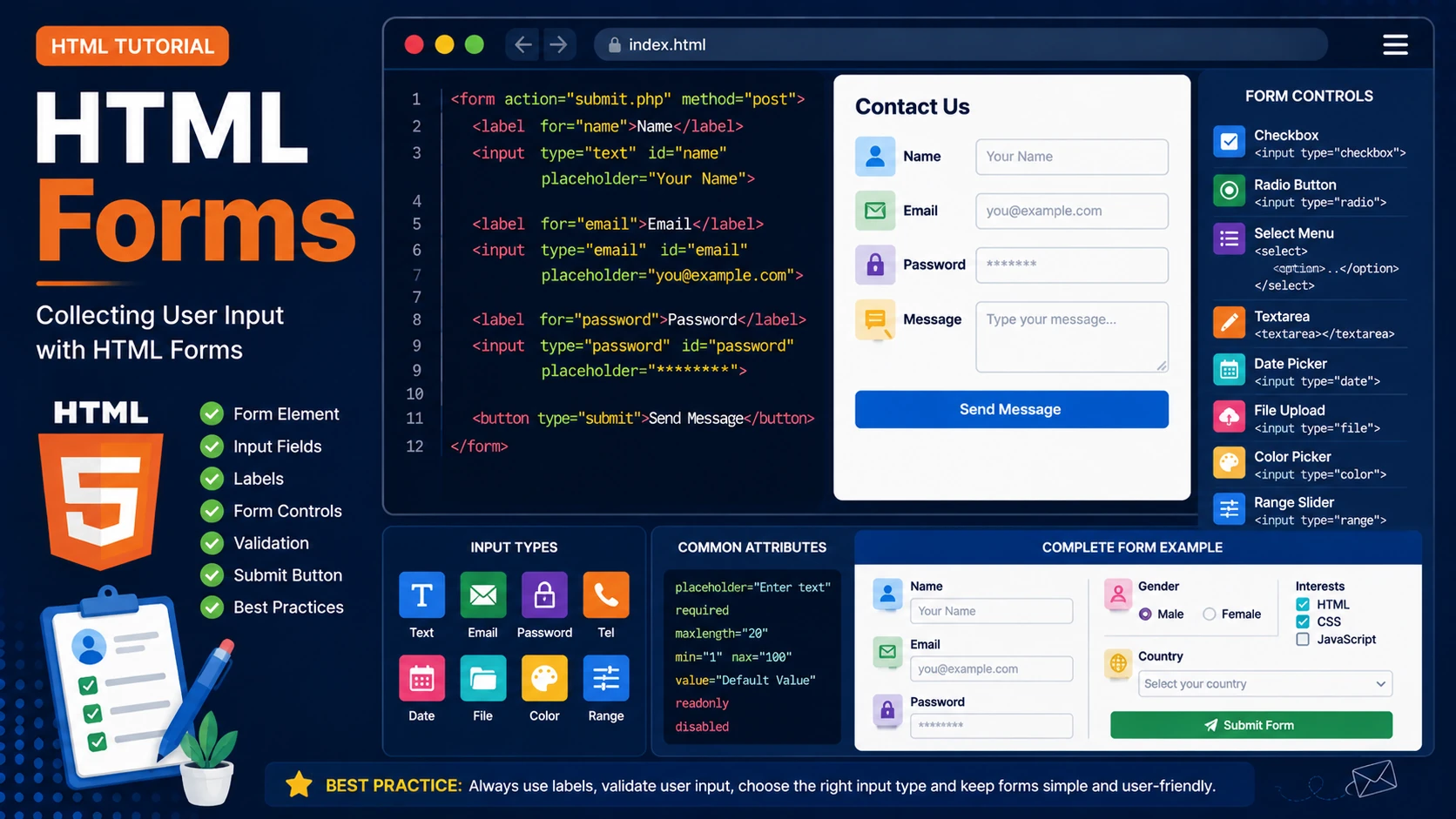
Introduction
HTML forms allow websites to collect information from users. They are used for contact forms, login pages, user registration, online shopping, search boxes and many other interactive features.
The Form Element
Every HTML form begins with the <form> element.
<form action="submit.php" method="post">

...

</form>
The action attribute specifies where the form data is sent, while the method attribute defines how the data is transmitted.
Input Fields
The <input> element creates different types of input fields.
<input type="text" placeholder="Your Name">

<input type="email" placeholder="Email Address">

<input type="password" placeholder="Password">
Labels
Labels improve accessibility by clearly describing each input field.
<label for="email">

Email Address

</label>

<input
id="email"
type="email">
Other Form Controls
- Checkboxes
- Radio buttons
- Select menus
- Textareas
- Date pickers
- File uploads
- Color pickers
- Range sliders
Submit Button
<button type="submit">

Submit

</button>
Complete Example
<form>

    <label>Name</label>

    <input type="text">

    <label>Email</label>

    <input type="email">

    <button>

        Send

    </button>

</form>
Best Practices
- Always use labels.
- Choose the correct input type.
- Validate user input.
- Keep forms simple.
- Group related fields together.
Summary
HTML forms are essential for creating interactive websites. They provide a structured way to collect information from users and send it to a server for processing.
Examples
The following examples help reinforce the concepts explained in this lesson.
<!DOCTYPE html>
<html>

<head>

<title>My First Page</title>

</head>

<body>

<h1>Hello World</h1>

</body>

</html>
💡 Pro Tip
Practice every concept immediately after reading it. Learning by doing is the fastest way to master HTML.
⚠ Common Mistake
Do not simply copy code examples. Type them yourself and experiment with small changes.
Best Practices
- Write clean and readable HTML.
- Indent your code consistently.
- Use semantic HTML elements.
- Validate your HTML regularly.
- Test your pages in multiple browsers.
Frequently Asked Questions
Why should I learn HTML first?
HTML is the foundation of every website. Once you understand HTML, learning CSS and JavaScript becomes much easier.
Is HTML difficult?
No. HTML is considered one of the easiest web technologies to learn, making it an excellent starting point for beginners.